Documentation
Help centre
Step-by-step instructions for candidates and employers using SaluGPT.
AI, plans and payments
What each plan includes
Summary of Free, Premium Candidate and Company benefits.
| Plan | For whom | Main benefits |
|---|---|---|
| Free | Candidates | Account, profile, browse jobs, apply, track applications. Does not include CV generation. |
| Premium (candidate) | Candidates | CV generation and analysis, cover letters, roadmap, interview practice, more assistant credits. |
| Company | Employers | Post jobs, manage applications, ranking and fit, interview invites, company assistant credits. |
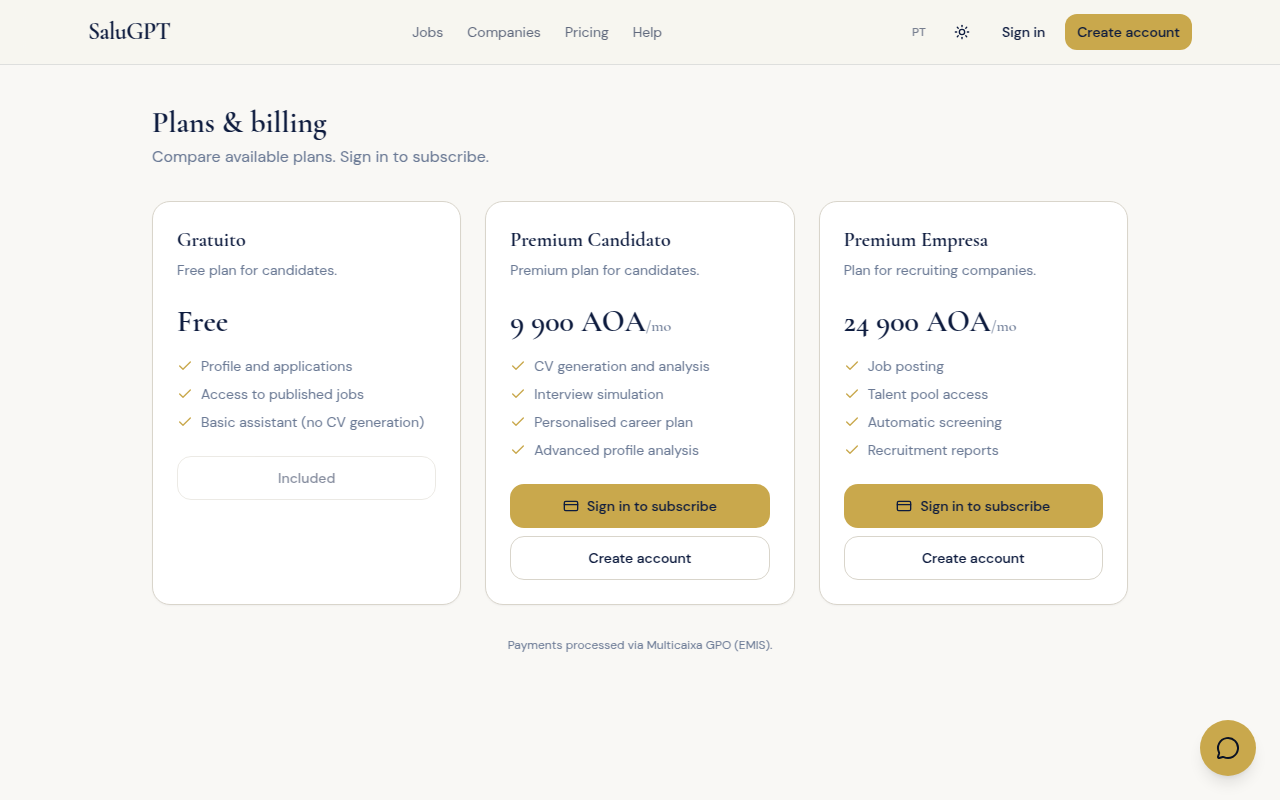
Exact prices and credits appear on /planos and may be updated by the platform.
How to subscribe
Steps to activate a paid plan from /planos.
- Open /planos.
- While signed in, choose a plan (for company plans, select the company).
- Click Subscribe and complete payment.
- When payment is confirmed, the plan becomes active under Billing.
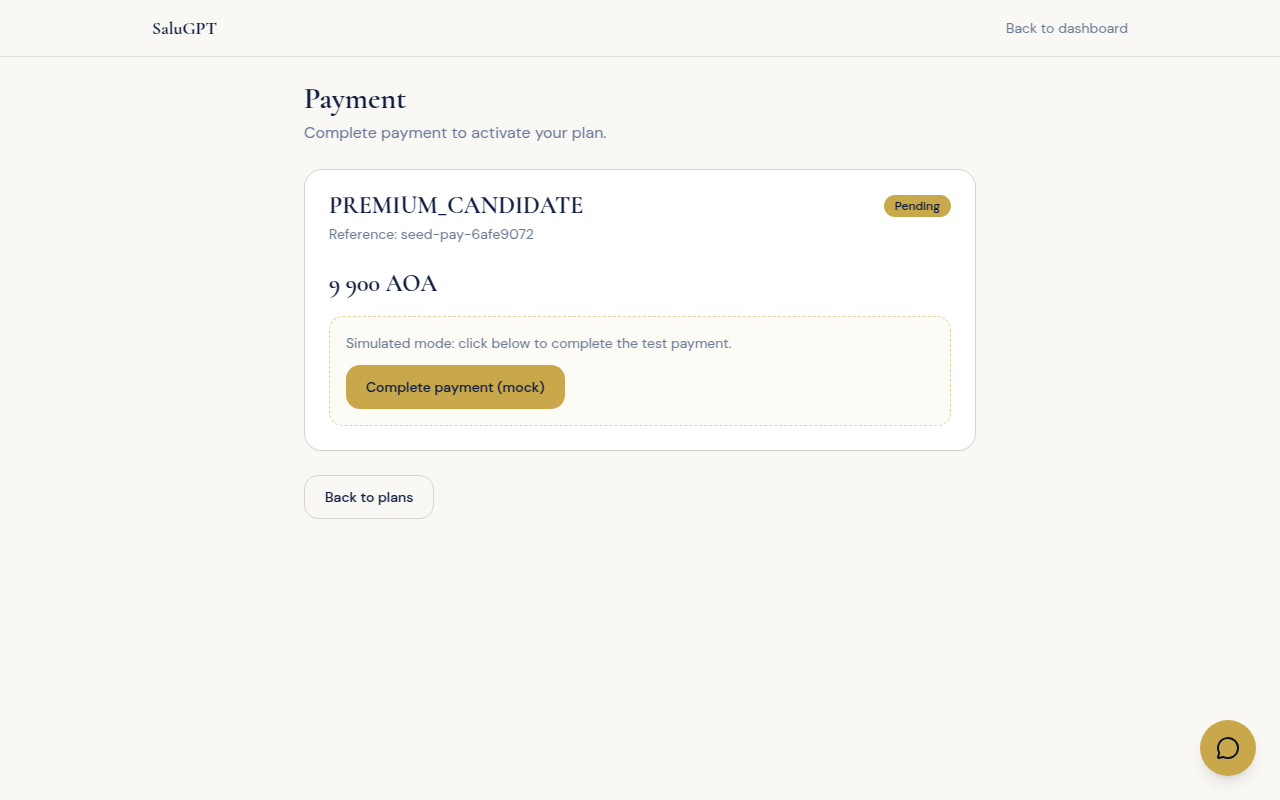
Payment
Route: /billing/pagamento/[id]
Confirm the plan and payment status. When completed, use Go to dashboard or Back to plans.
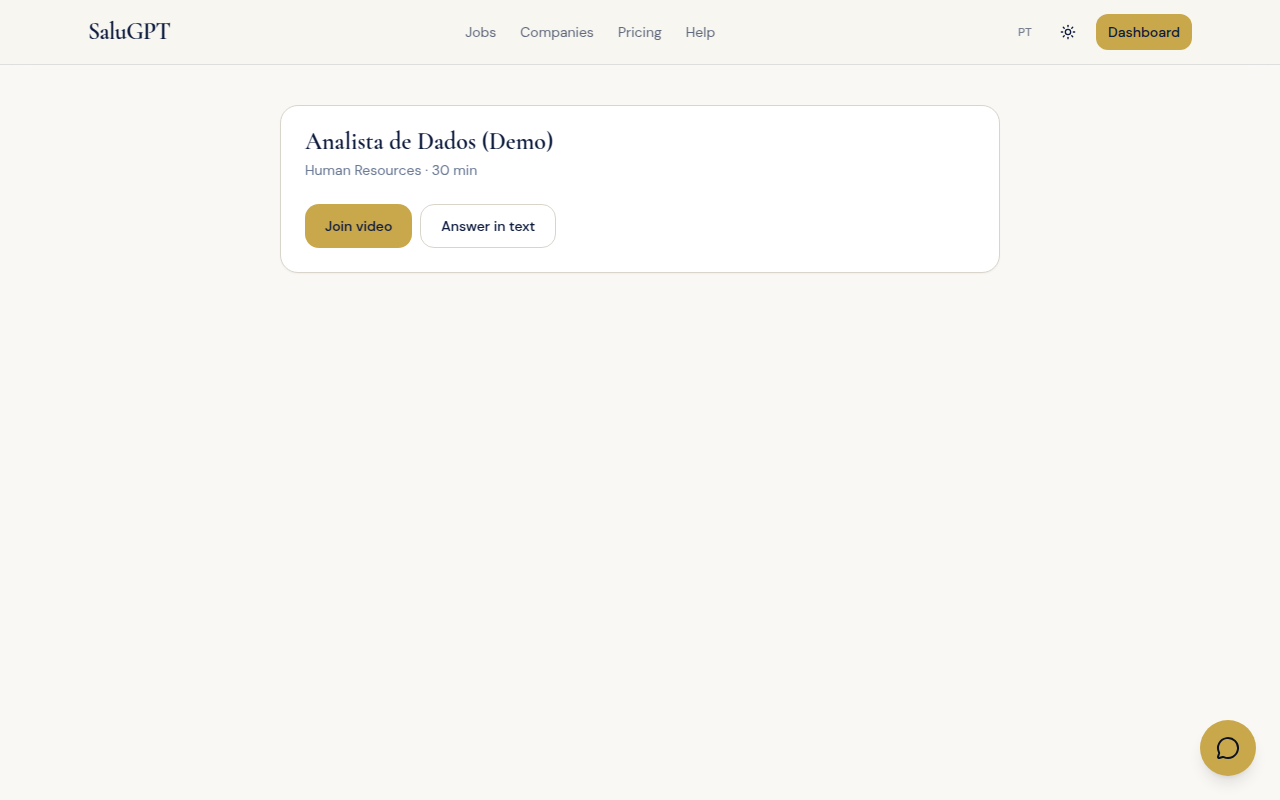
Interview via link (video or text)
If you receive an interview link (/entrevistas/s/[token]):
- Open the link (you may be asked to sign in first).
- Choose Join video (live call with camera/microphone) or Reply in text.
- On the call: allow browser permissions, use the room controls and hang up when finished.
- The same invite also appears under Interviews in the candidate area.
The full company → candidate flow is in Main flows.
Assistant credits
Features such as generating a CV (eligible plans), cover letters, roadmap or chat use credits. Your balance appears in the signed-in area and under Billing. To get more credits, upgrade your plan.