Documentation
Help centre
Step-by-step instructions for candidates and employers using SaluGPT.
Public area
Pages you can use without signing in. Some actions require login.
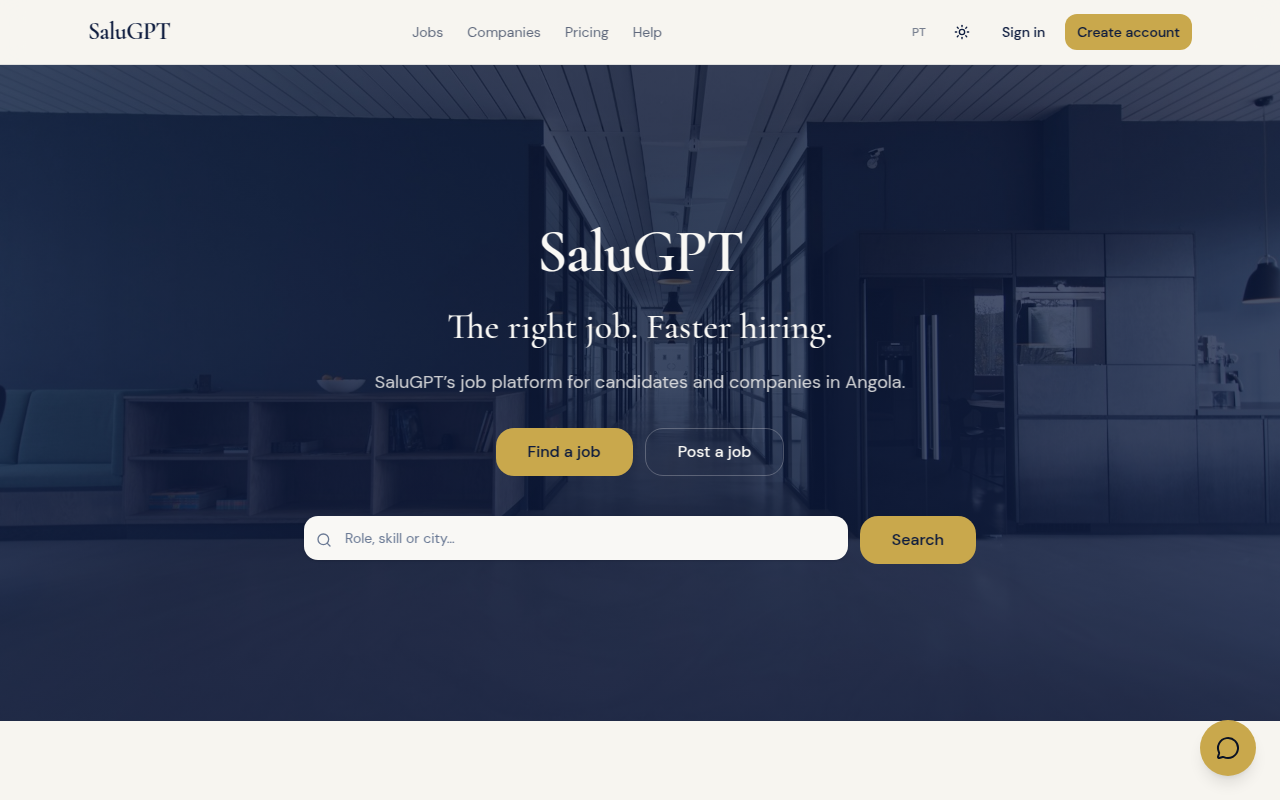
Home page
SaluGPT landing: job search, shortcuts for candidates and employers, and platform highlights.
Route: /
- Top bar: Jobs, Companies, Plans, theme, language, Sign in / Create account.
- Search by role, skill or city.
- Shortcuts: Find a job and Post a job.
- Sections for jobs, companies and plans.
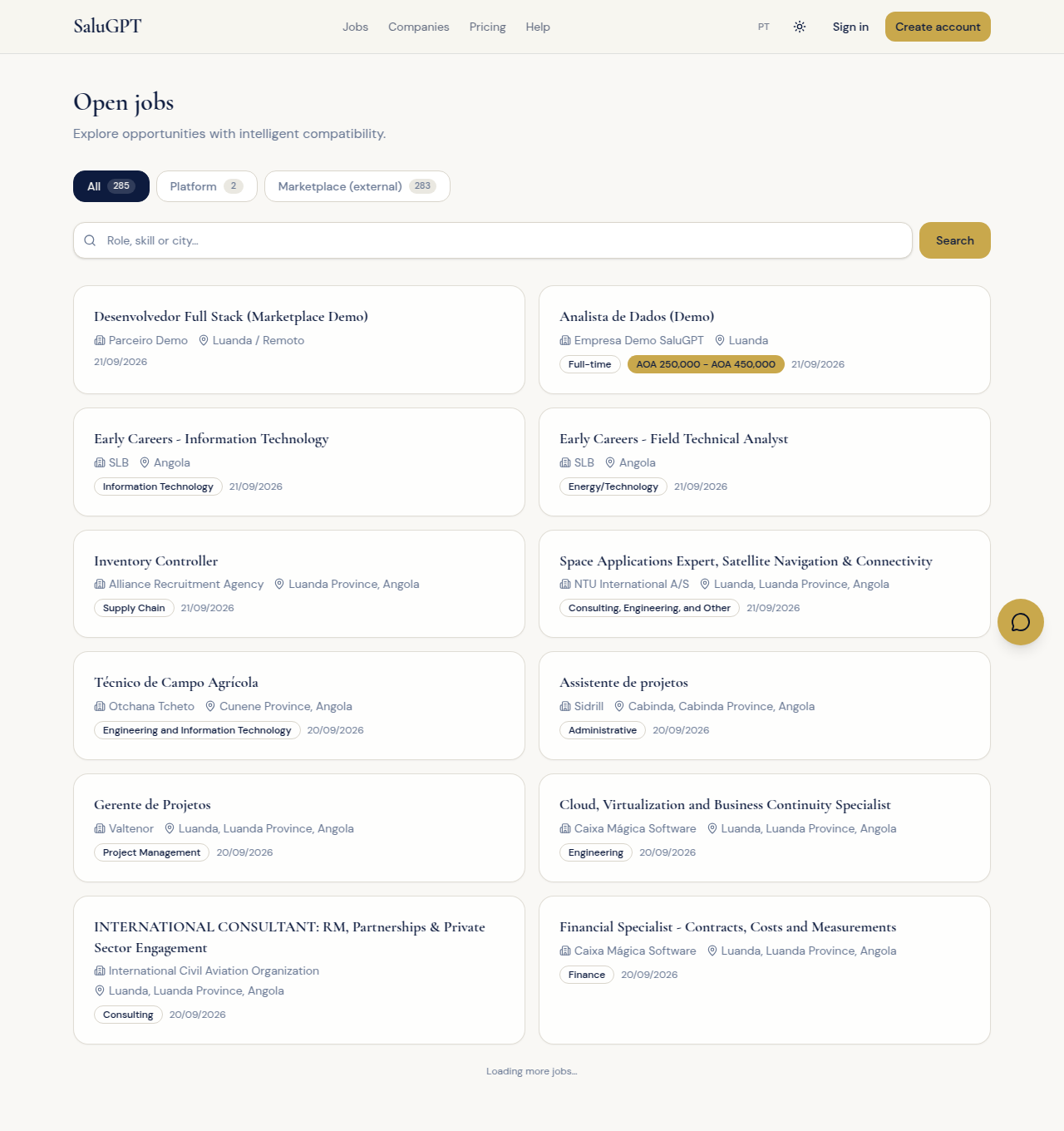
Job list
Public catalogue of opportunities (platform and marketplace), with search and tabs.
Route: /vagas
- Use the All, Platform and Marketplace (external) tabs.
- Search and open a job card.
- Platform jobs open at
/vagas/...; external jobs open at/vagas/externas/....
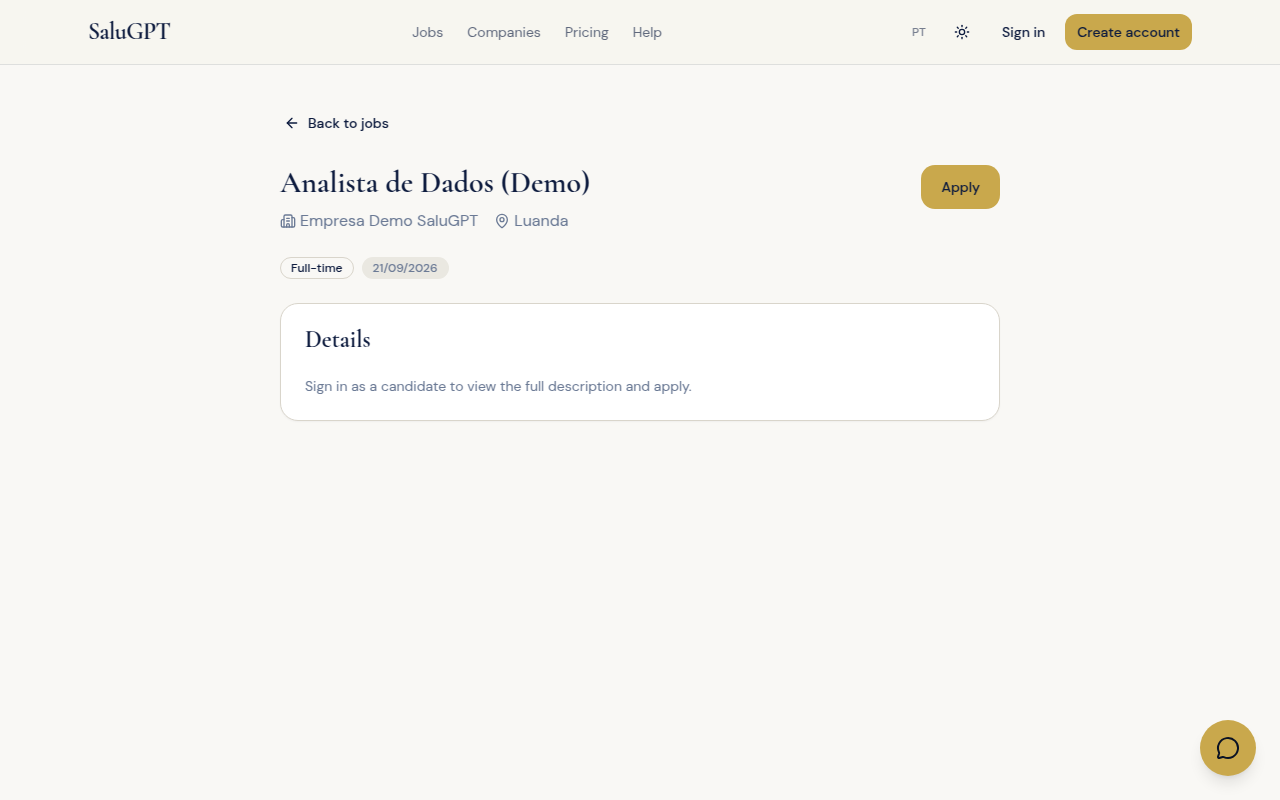
Platform job
Detail of a job posted by a company on SaluGPT - apply directly on the platform here.
Route: /vagas/[id]
- Review title, company, location and fit (when available).
- Without a candidate session, the full description and apply action require login.
- When signed in, click Apply. Then track progress under Applications.
- If shown, use Recalculate on the compatibility widget.
External job (marketplace)
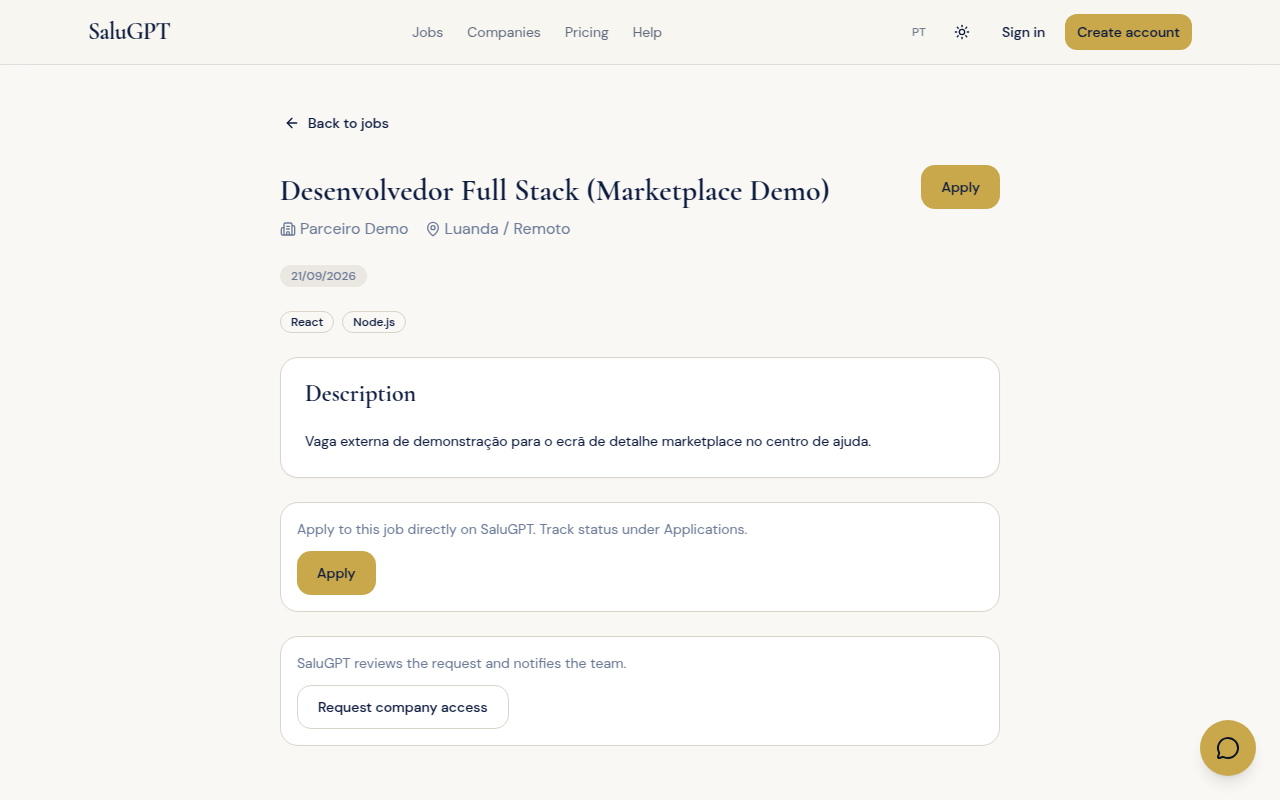
Job collected from external sources and published on the marketplace. Applications are submitted on SaluGPT (not the original site).
Route: /vagas/externas/[id]
- Review the description.
- Click Apply (with a candidate session) to submit the application on SaluGPT.
- Track status under Applications.
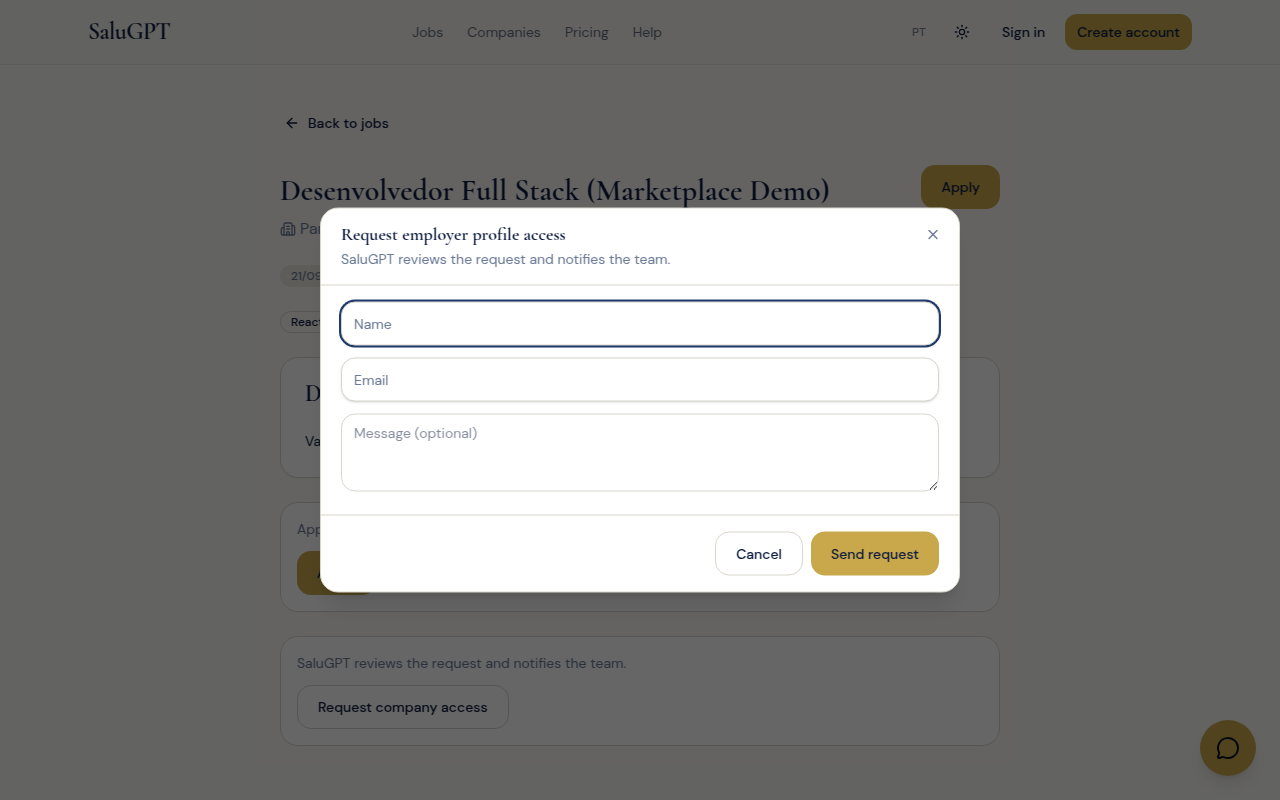
- If you own the advertised company, use Request company access to ask for a SaluGPT account.
Companies and search
Company directory and global search (companies + jobs) without signing in.

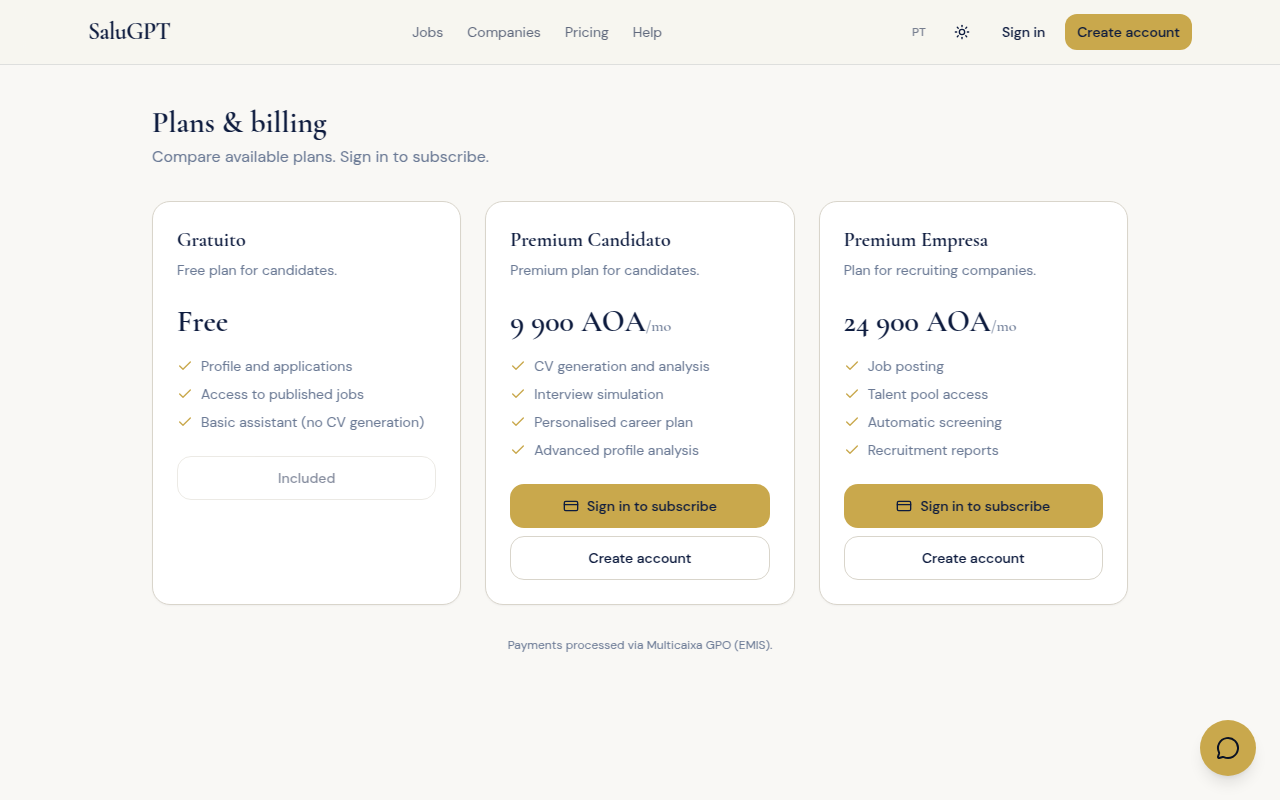
Plans (public view)
Compare Free, Premium Candidate and Company plans before subscribing.
Route: /planos
Compare plans. Subscribing requires a signed-in session. Details in AI, plans and payments.