Documentation
Help centre
Step-by-step instructions for candidates and employers using SaluGPT.
Employer guide
SaluGPT is the HR toolkit built for your day-to-day hiring in Angola: publish clear job posts, attract talent, rank applications by fit, run interviews and decide with data - without scattered spreadsheets or fragmented workflows. This guide shows what you can do on the platform to hire better, faster and with more confidence.
In the sidebar: Dashboard, Company, Jobs, AI, Billing and Plans.
For the full cycle (publish → ranking → interview), see Main flows.
Dashboard
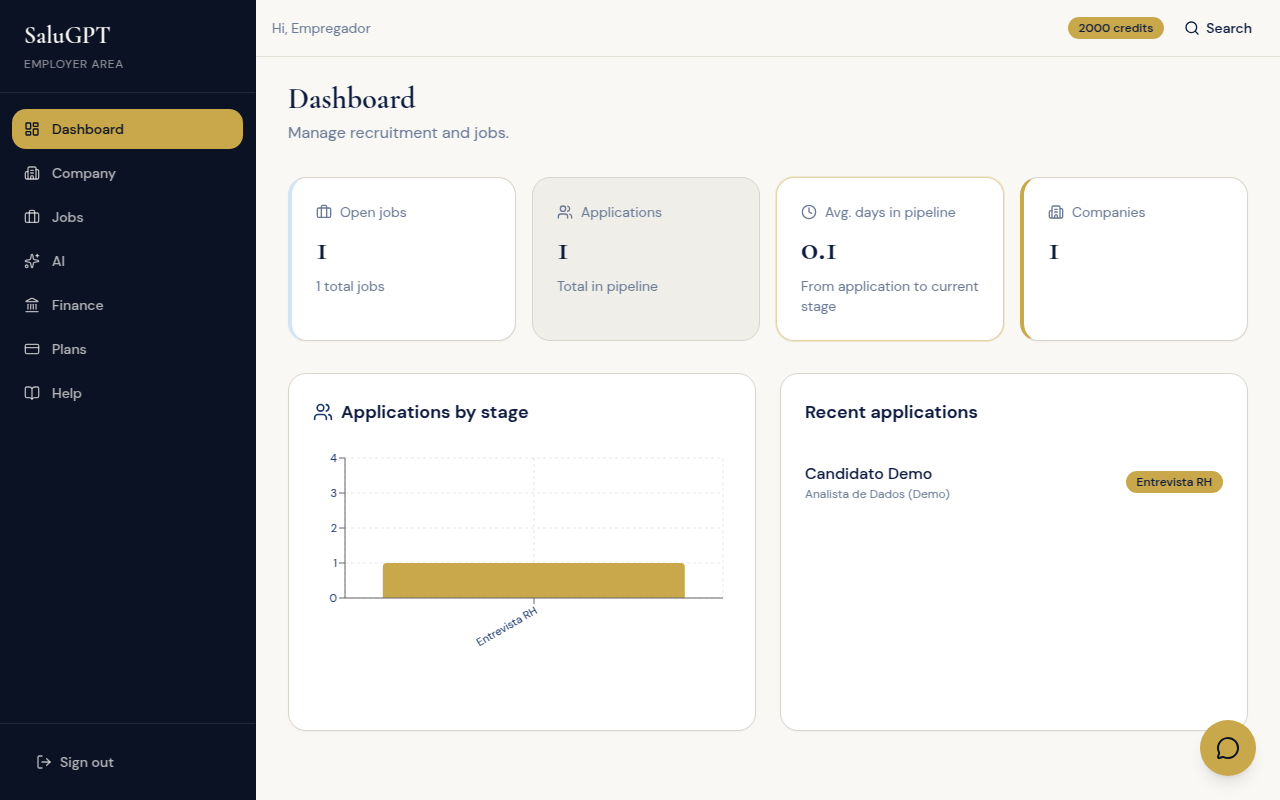
Company home: jobs, applications and recent activity at a glance.
Route: /empresa
Select the company (if you have more than one) and review jobs, applications and recent activity.
Company details
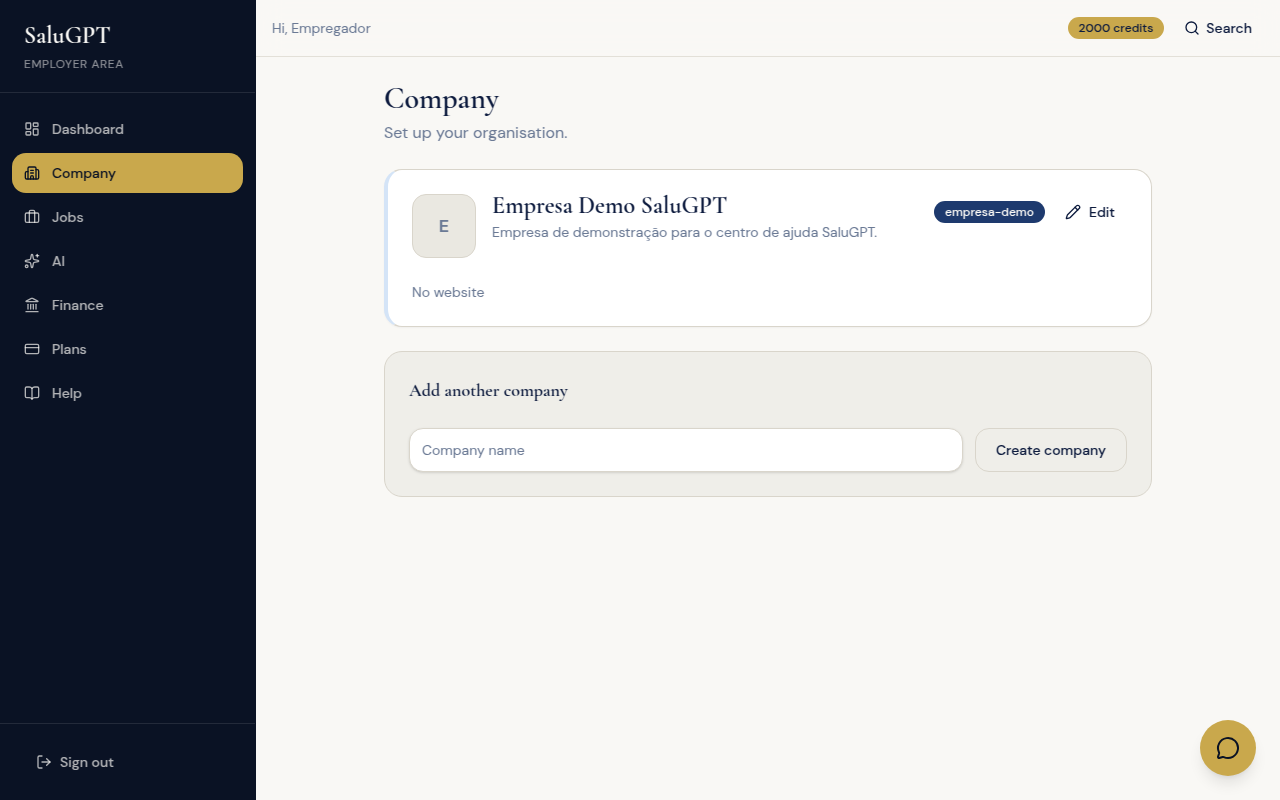
Organisation profile (name, description, website, logo) shown on public listings.
Route: /empresa/empresa
- Create company or Add another company.
- Edit name, description, website and logo.
- Click Save changes.
Publish and manage jobs
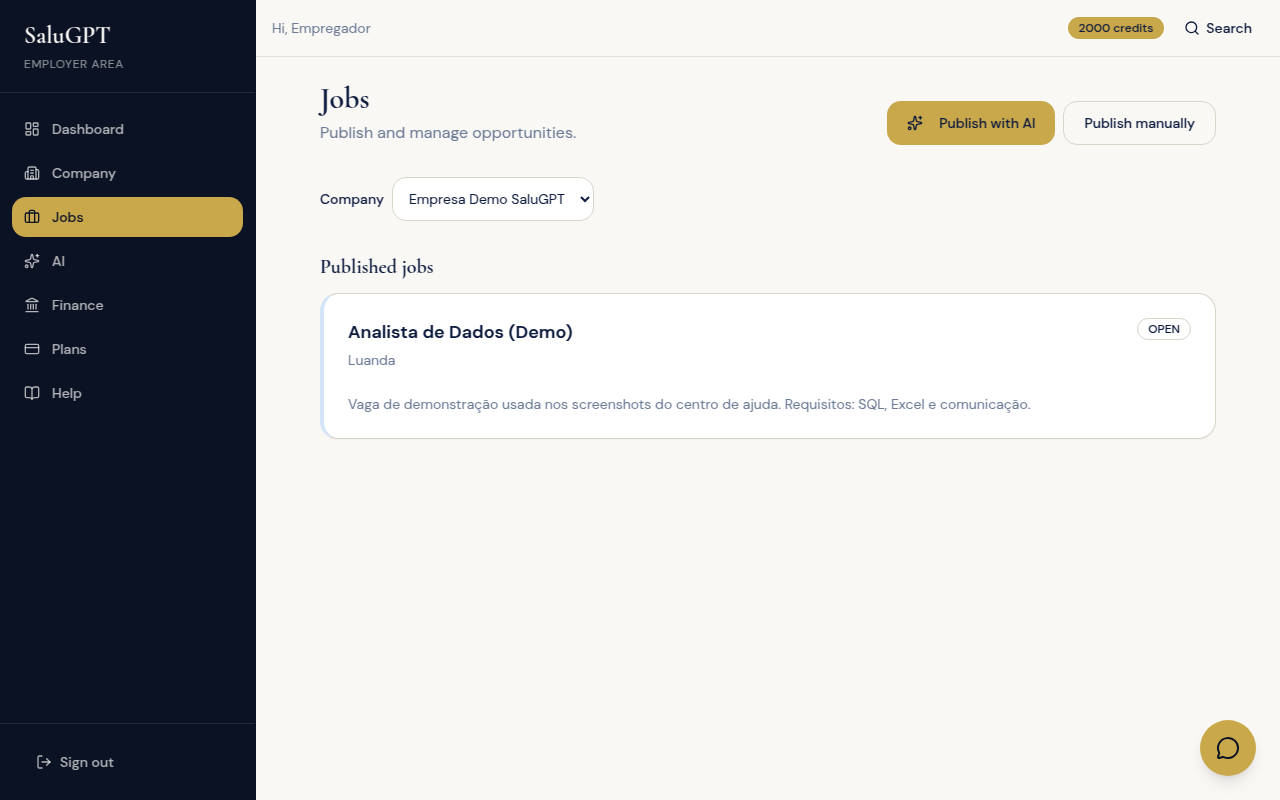
Create SaluGPT job posts and track applications you receive.
Route: /empresa/vagas
- Confirm the selected company.
- Under New job, fill in title, description and location.
- Click Publish job.
- Open a published job to see applications and the best-match ranking.
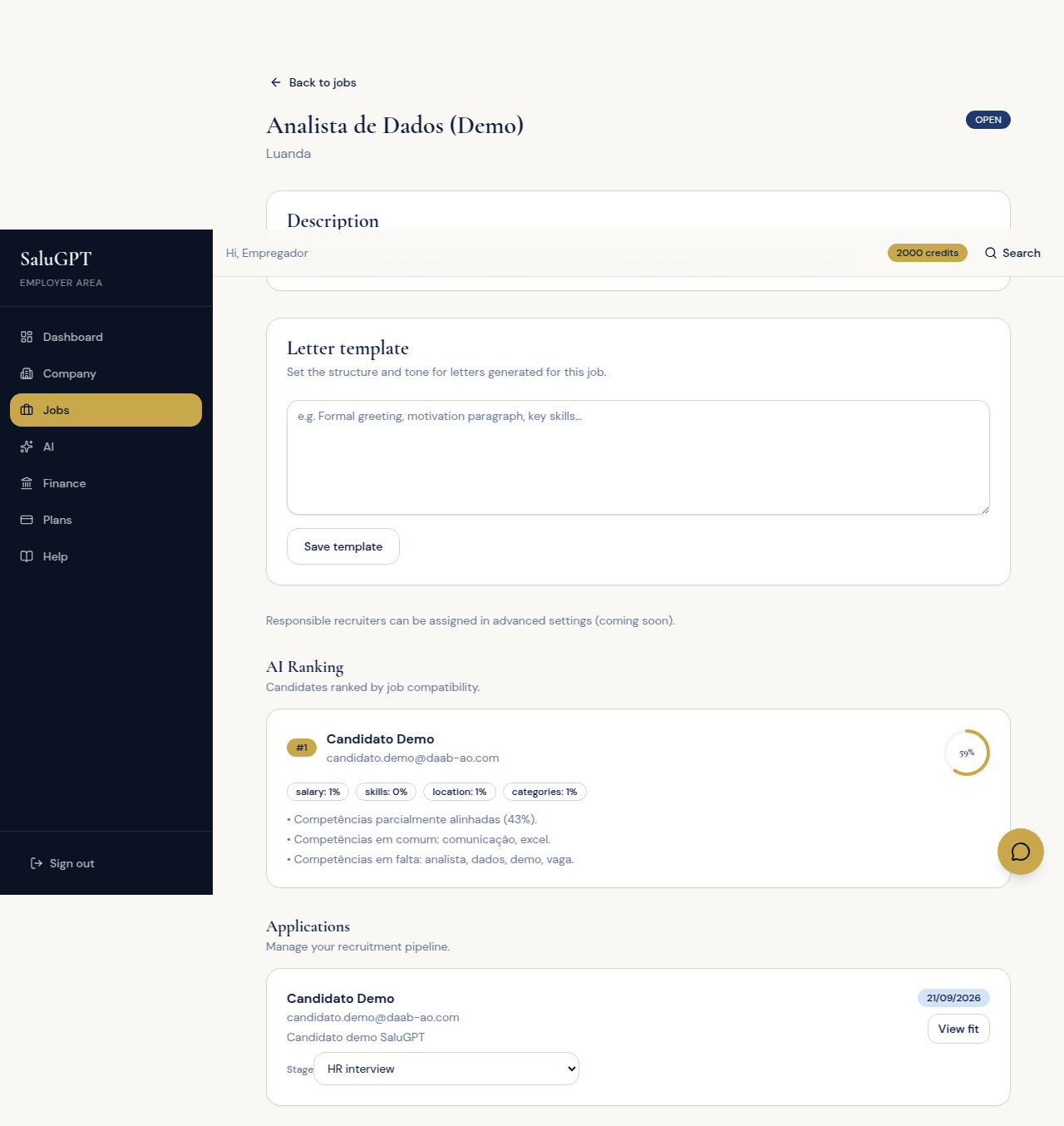
Job detail (candidates and ranking)
Manage one job: candidate list, fit ranking and stage changes.
Route: /empresa/vagas/[id]
- Review the description and ranking (best scores first).
- Per application: change Stage, open LinkedIn (if available) or View fit.
- Save the cover-letter template if you use one.
Fit score and video interview
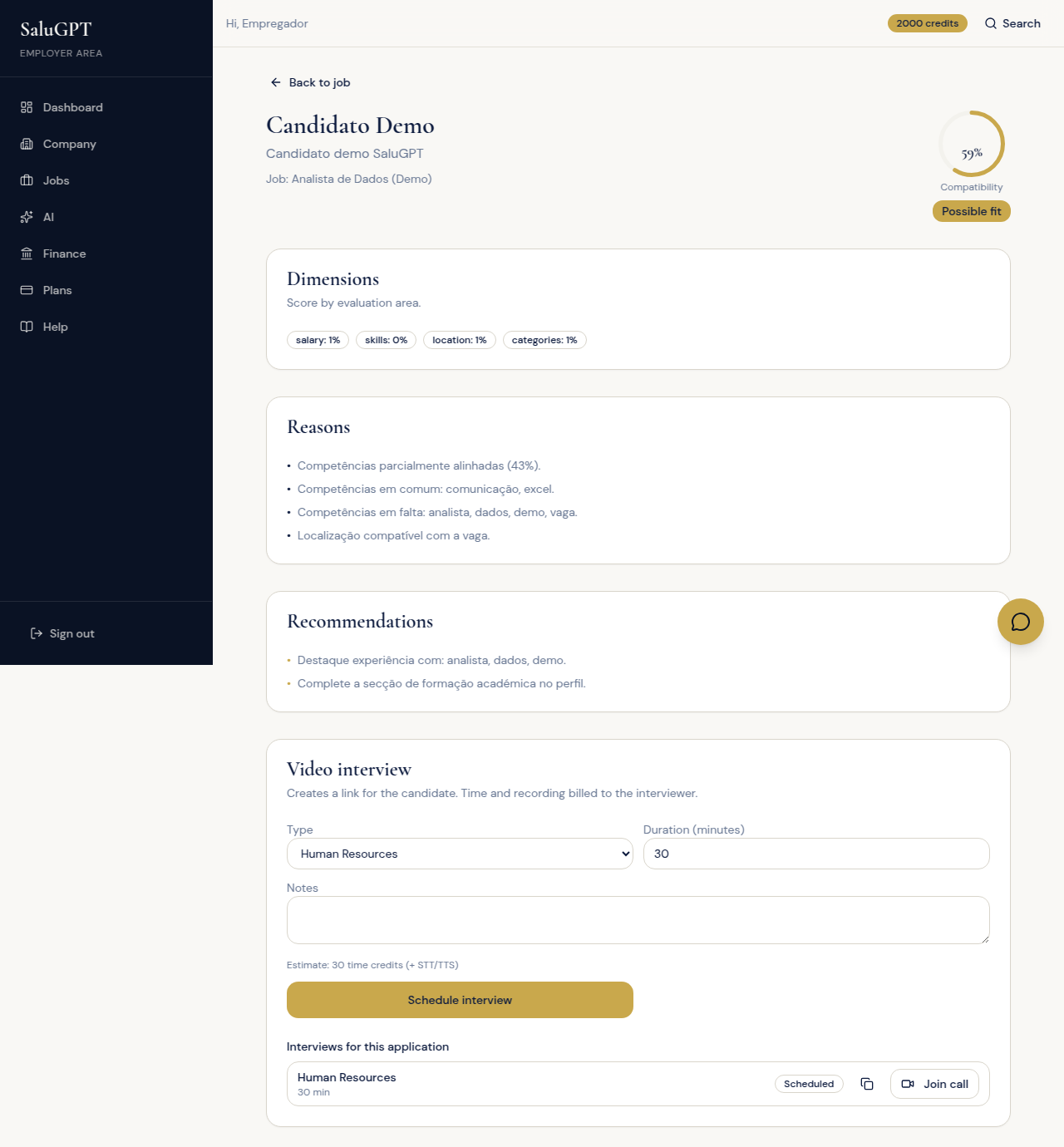
Candidate × job fit analysis and scheduling a video/text interview with a shareable link.
Route: /empresa/candidatos/[id]?jobId=...
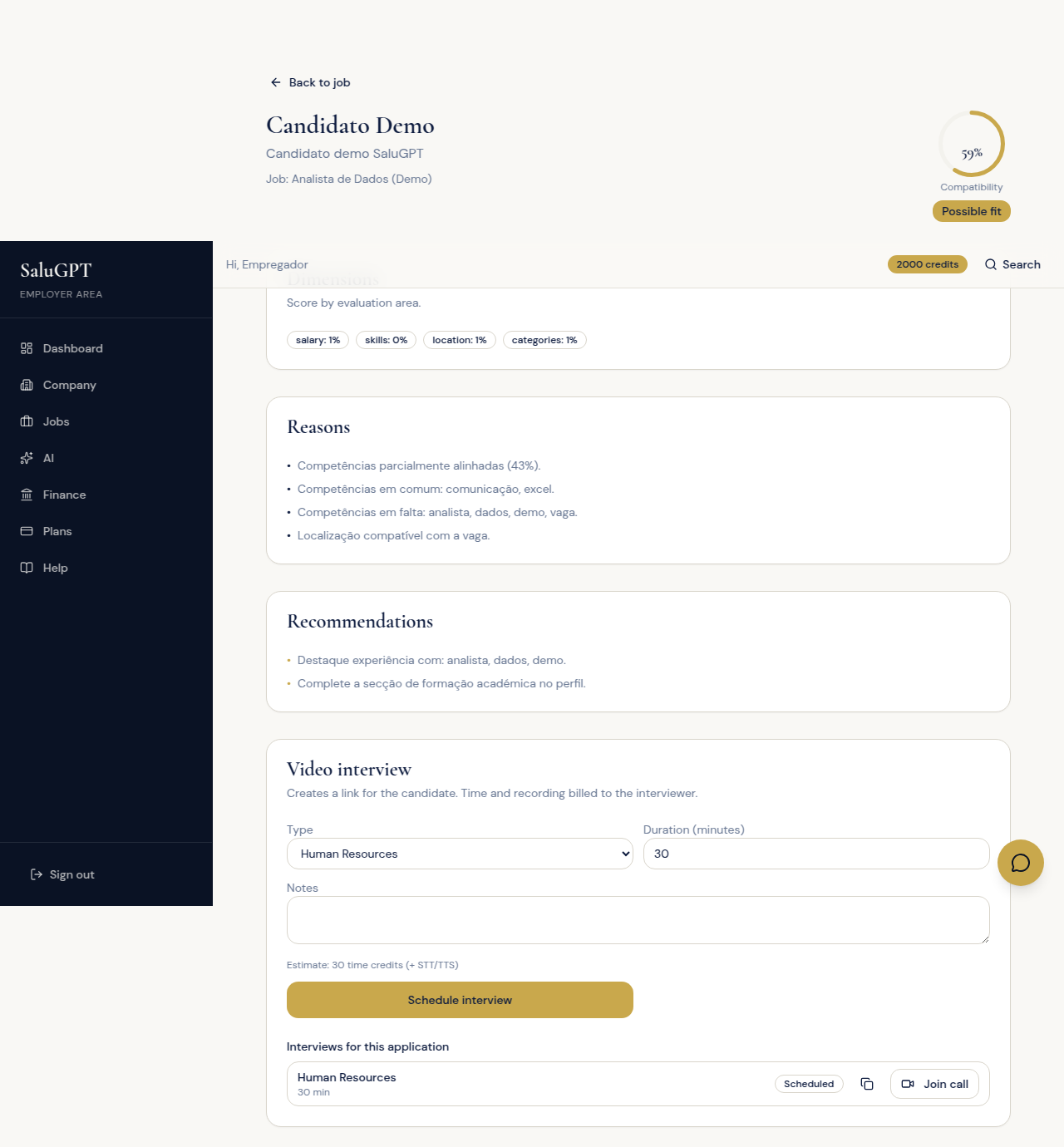
- Review score, dimensions, reasons and recommendations.
- Under Video interview: choose type and duration, click Schedule interview, copy the link and share it with the candidate.
- At the scheduled time, use Join call (live video). The candidate uses the same link or the Interviews area.
Claim a marketplace job
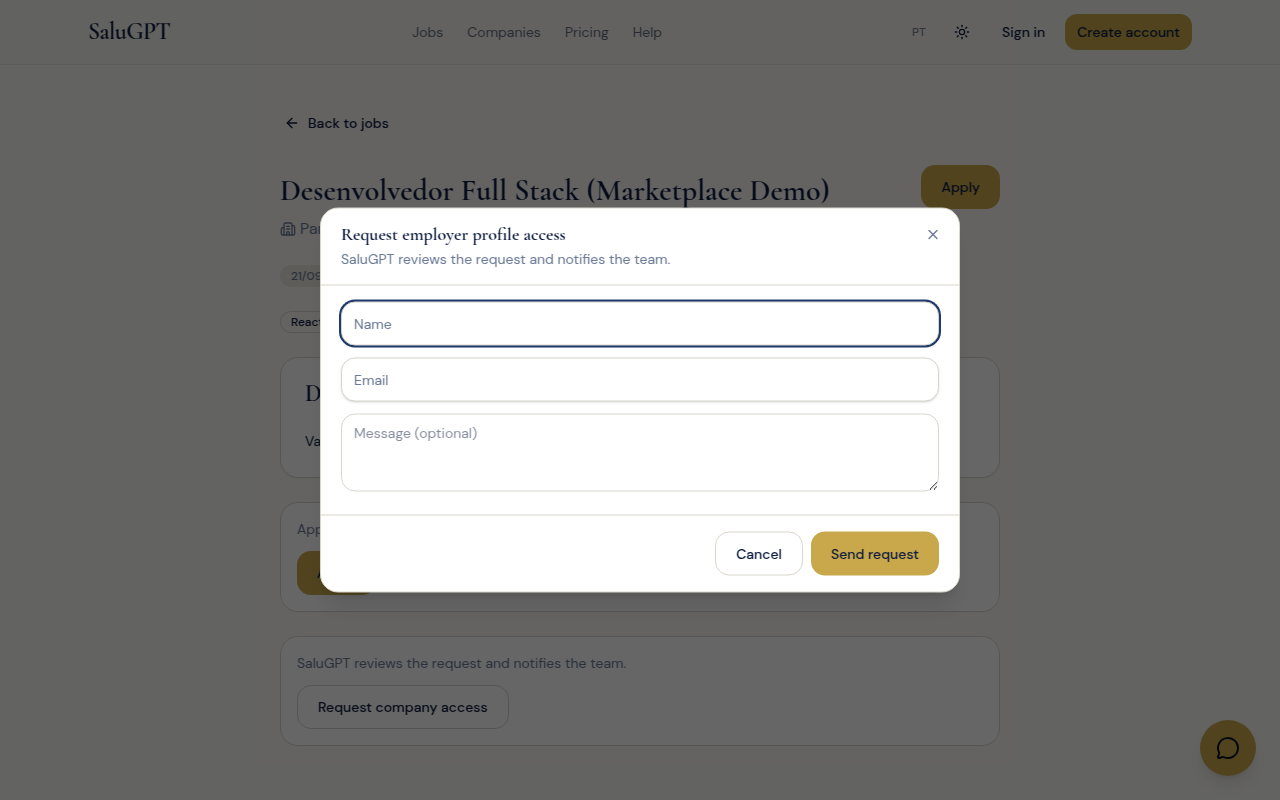
Request to take over the employer account for an external listing that represents your company.
If your company’s job appears at /vagas/externas/[id], use Request company access to ask for control of the account. Details in Main flows.
Assistant and billing
Company AI assistant plus plan, credits and payments management.
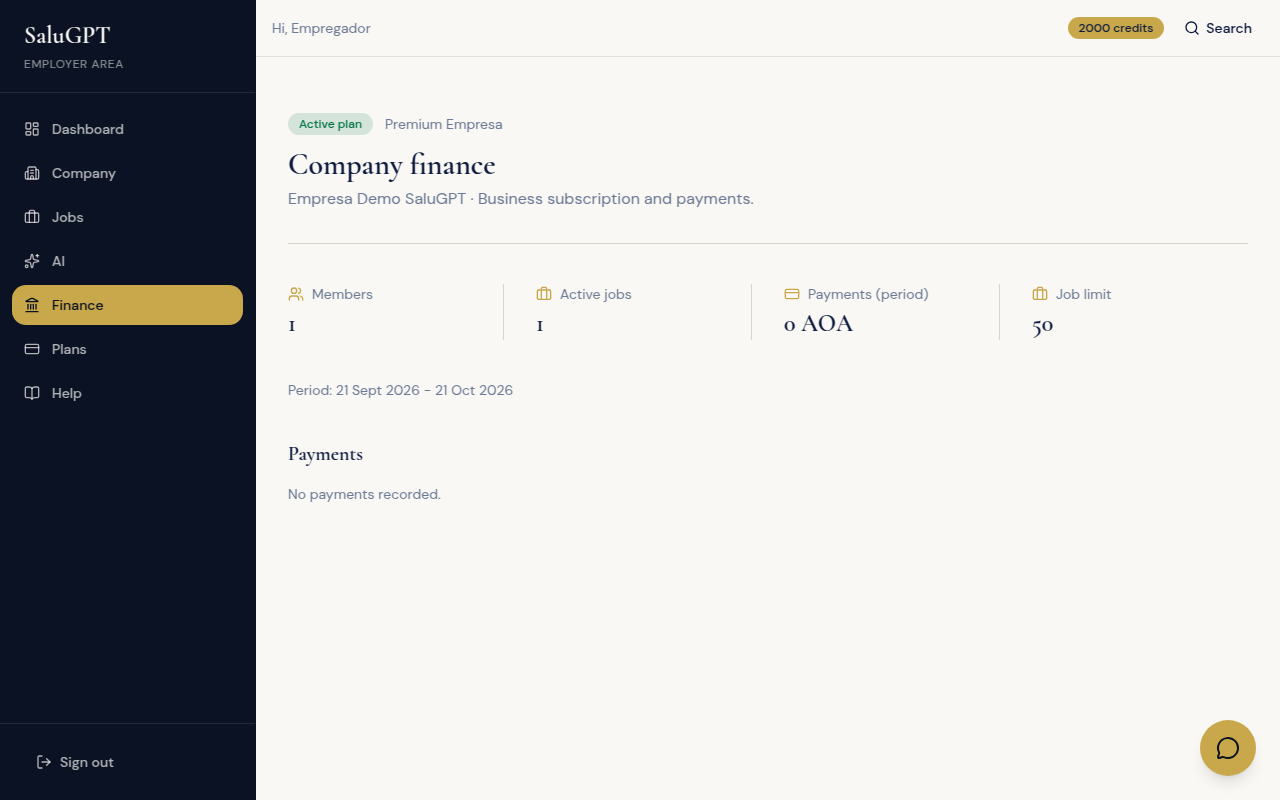
- Assistant (
/ia): shortcuts for company, jobs and candidates; Train AI in the dialog. - Billing (
/empresa/financas): company plan, limits and payments. View plans to subscribe to Premium Company.