Documentation
Help centre
Step-by-step instructions for candidates and employers using SaluGPT.
Candidate guide
SaluGPT is here to walk with you from ambition to offer: find the right role, tell your story with a CV and LinkedIn profile that open doors, apply with confidence, prepare for interviews and grow your career with a clear plan. This guide shows what you can do on the platform - profile, applications, AI assistant, roadmap and more - so job search becomes real progress.
In the sidebar: Dashboard, Profile, CV, LinkedIn, Cover letters, Applications, Jobs, AI, Roadmap, Interviews, Settings, Billing and Plans.
For the full journey (apply → CV → interview), see also Main flows.
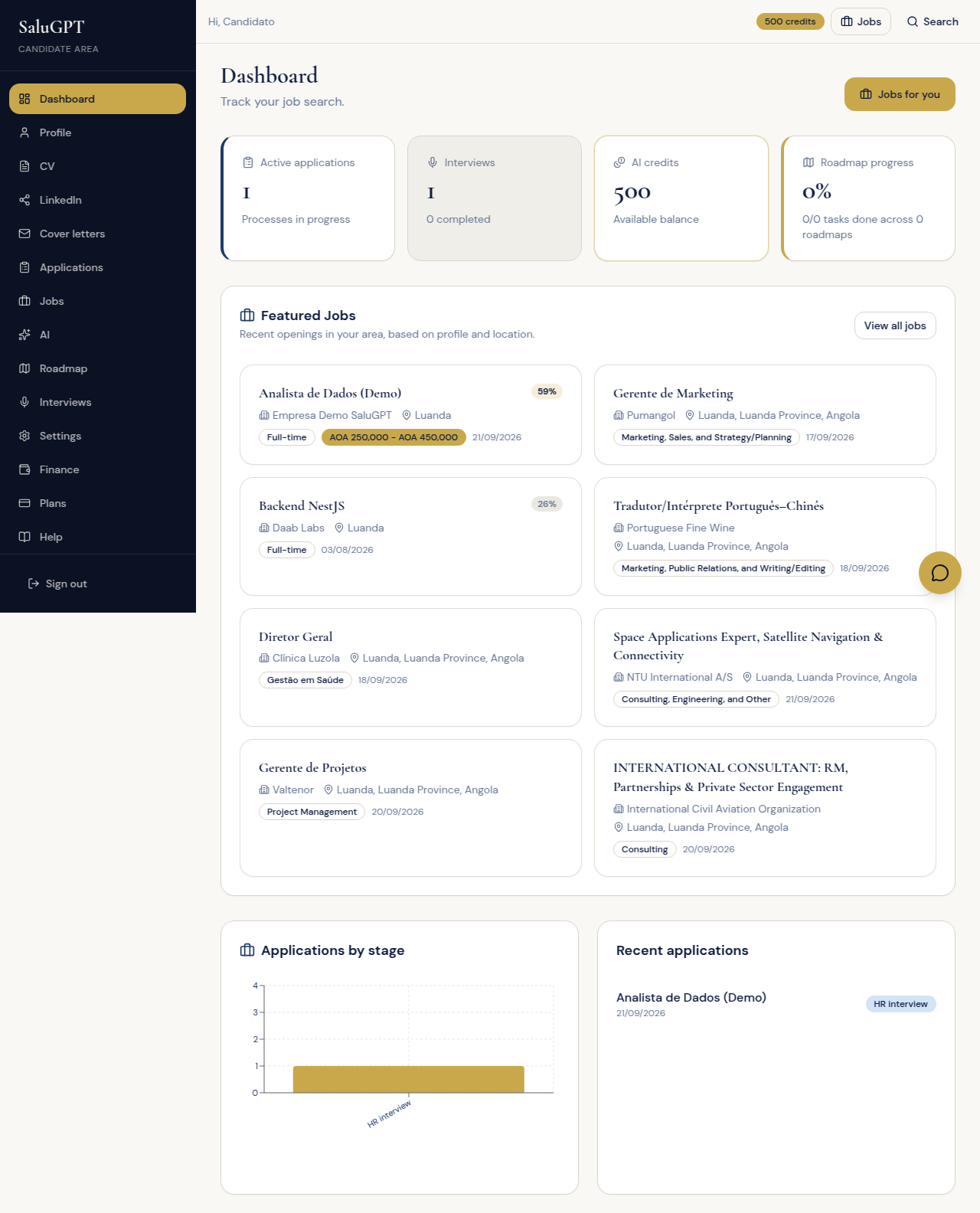
Dashboard
Your candidate home: activity summary, recommended jobs and shortcuts to what to do next.
Route: /candidato
Review the summary (applications, interviews, credits, roadmap), featured jobs and recent applications. Use Jobs for you to explore opportunities.
Profile
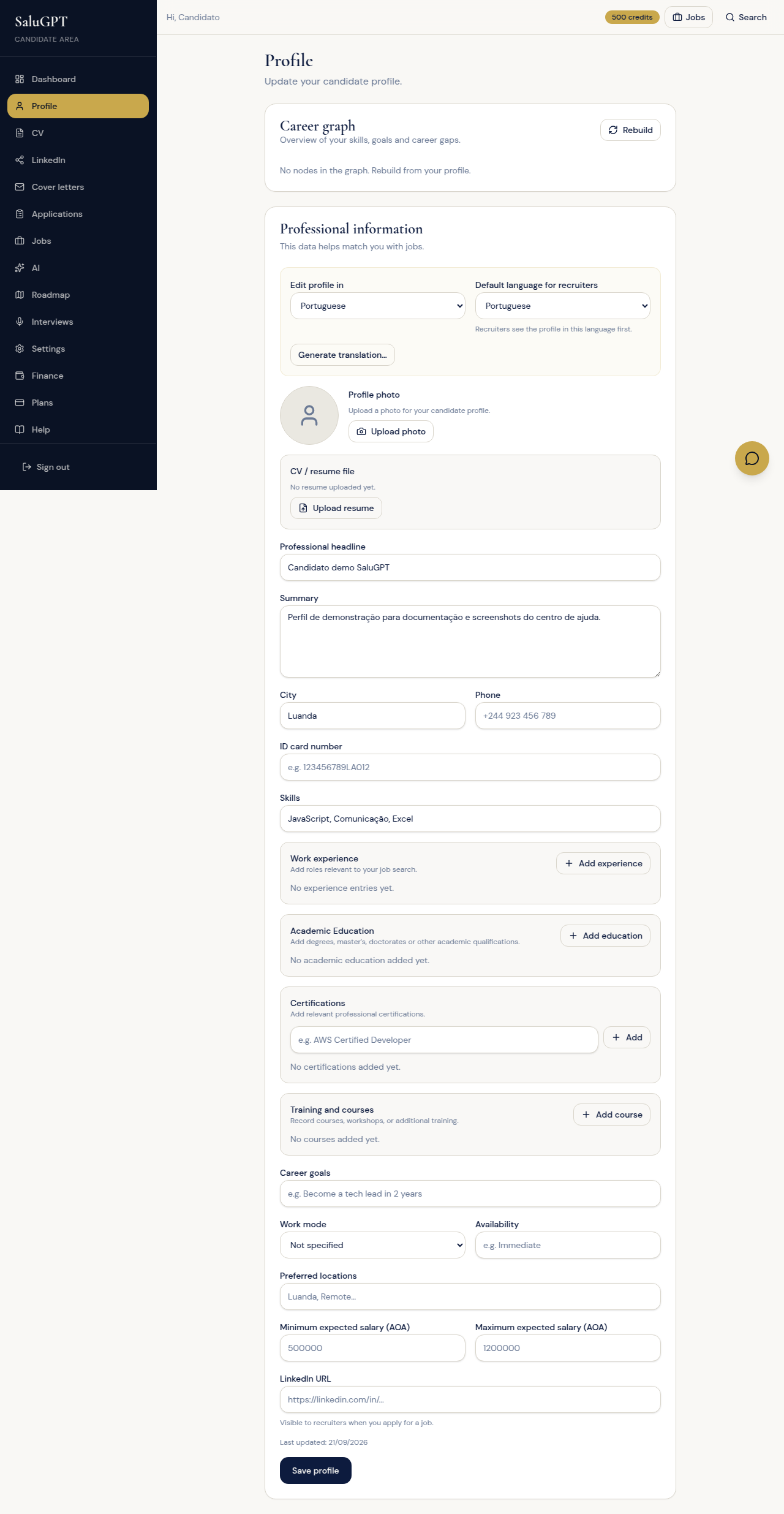
Where you keep professional data (skills, experience, education). This profile powers applications, CVs, job fit scores and the assistant.
Route: /candidato/perfil
- Choose the profile language and, if you want, Generate translation… (opens a confirmation dialog).
- Upload photo and, optionally, upload or view your CV.
- Fill in headline, summary, contacts, skills, experience, education and goals.
- Click Save profile.
- On the career graph, use Rebuild when you need to refresh it.
CV (Premium templates)
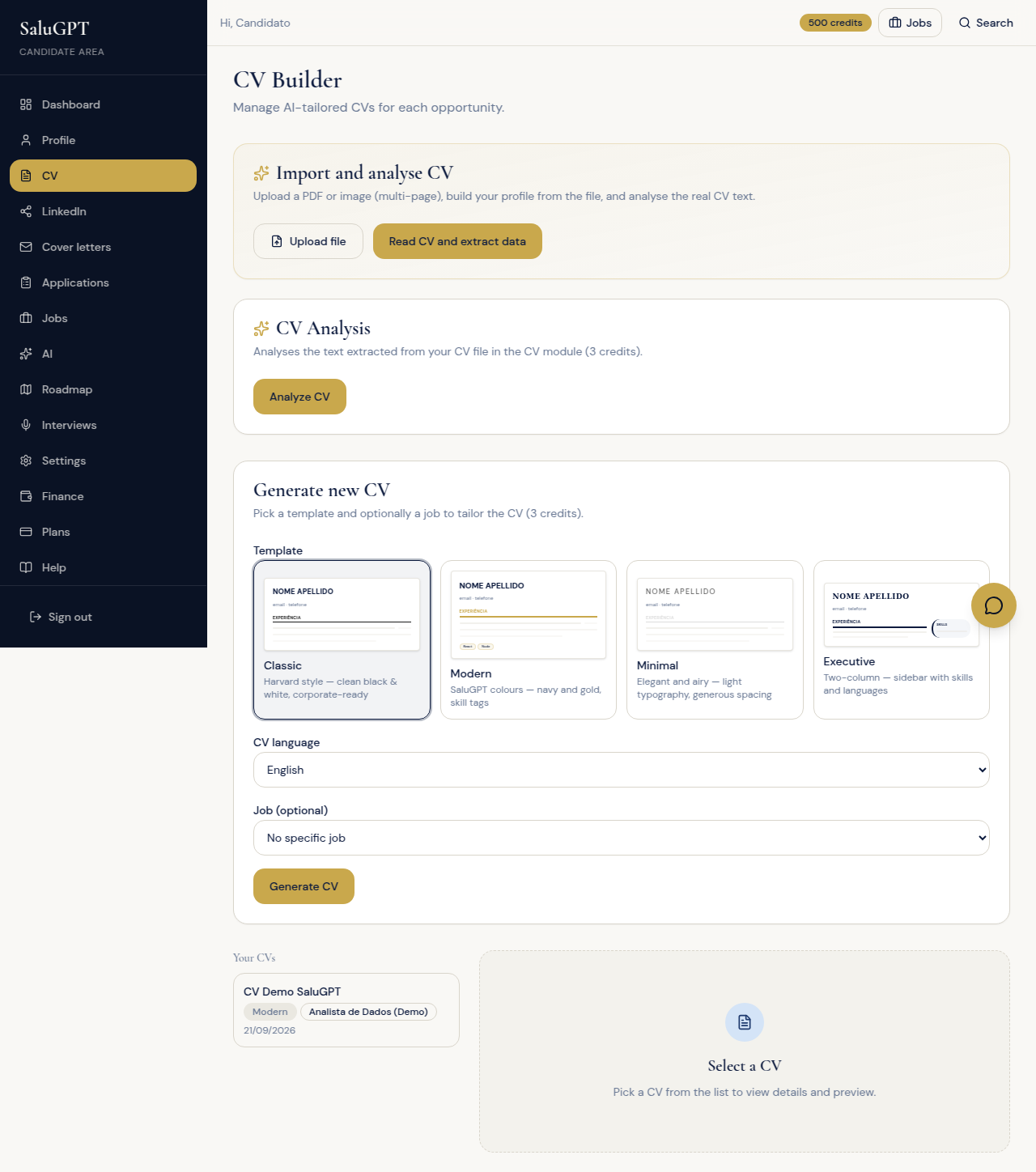
Generate and edit your CV with SaluGPT templates (Premium). You can import an existing CV, analyse quality and export PDF.
Route: /candidato/cv
- Import: upload a file, review the data and confirm Apply to profile if it looks right.
- Analyse CV for quality scores (uses credits).
- Generate CV (Premium plan): choose a template (Classic, Modern, Minimal, Executive), the language and optionally a target job; click Generate CV.
- Refresh the preview, edit, save and export PDF.
On the Free plan generation is locked with a link to /planos. With Premium Candidate you see the template grid.
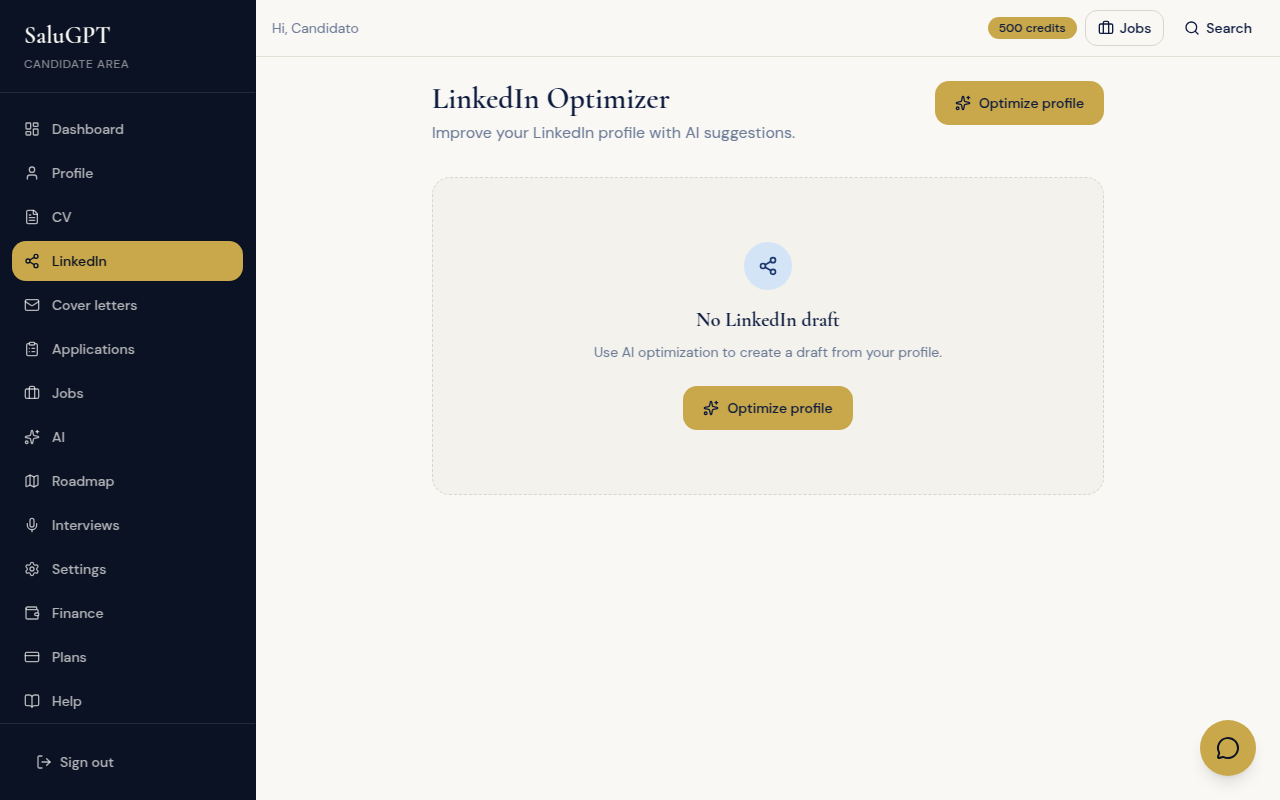
LinkedIn profile optimiser: AI suggests improvements to headline, about, skills and experience. It does not post to LinkedIn - it saves a draft on SaluGPT for you to copy later.
Route: /candidato/linkedin
- Click Optimise profile.
- Review the suggestions.
- Click Save draft.
Cover letters
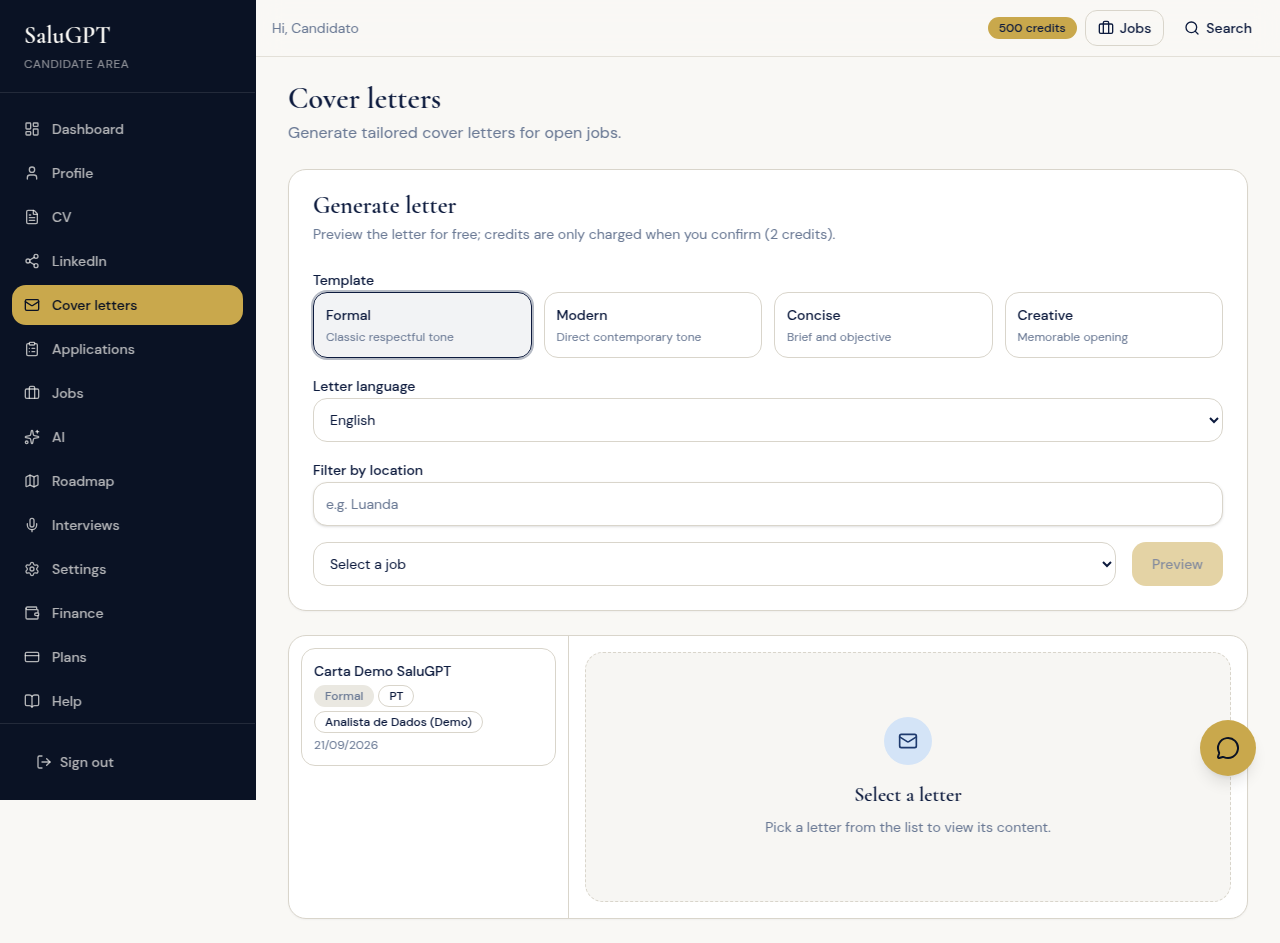
Create job-specific cover letters (templates + AI), save them and export as PDF.
Route: /candidato/cartas
- Choose a template (Formal, Modern, Concise, Creative), language and job.
- Preview and, if you want to save, confirm in the Confirm and save dialog.
- On saved letters: edit, export PDF or delete.
Applications
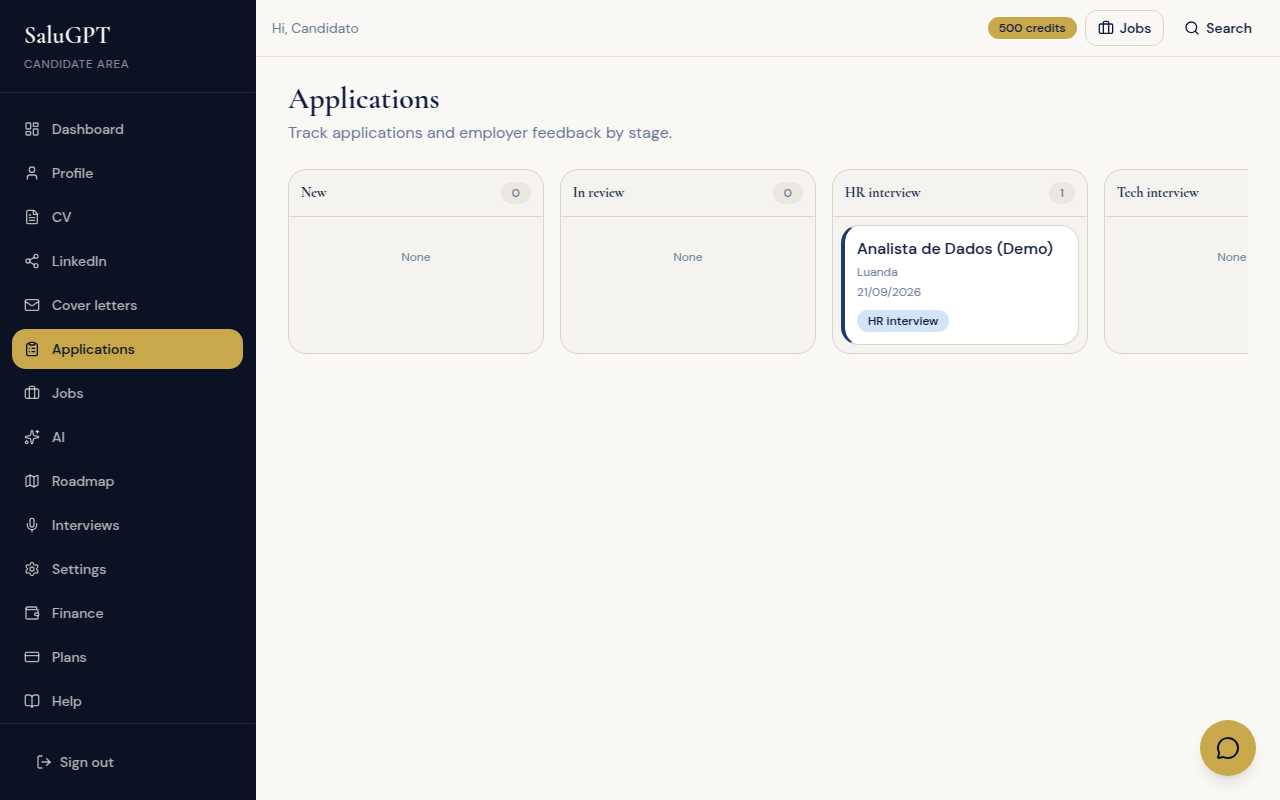
Board of every application you submitted on SaluGPT and the stage set by the employer (new, reviewing, interview, offer, etc.).
Route: /candidato/candidaturas
View the stage board. You can see status; the employer updates the stage (including interview).
Jobs (personal area)
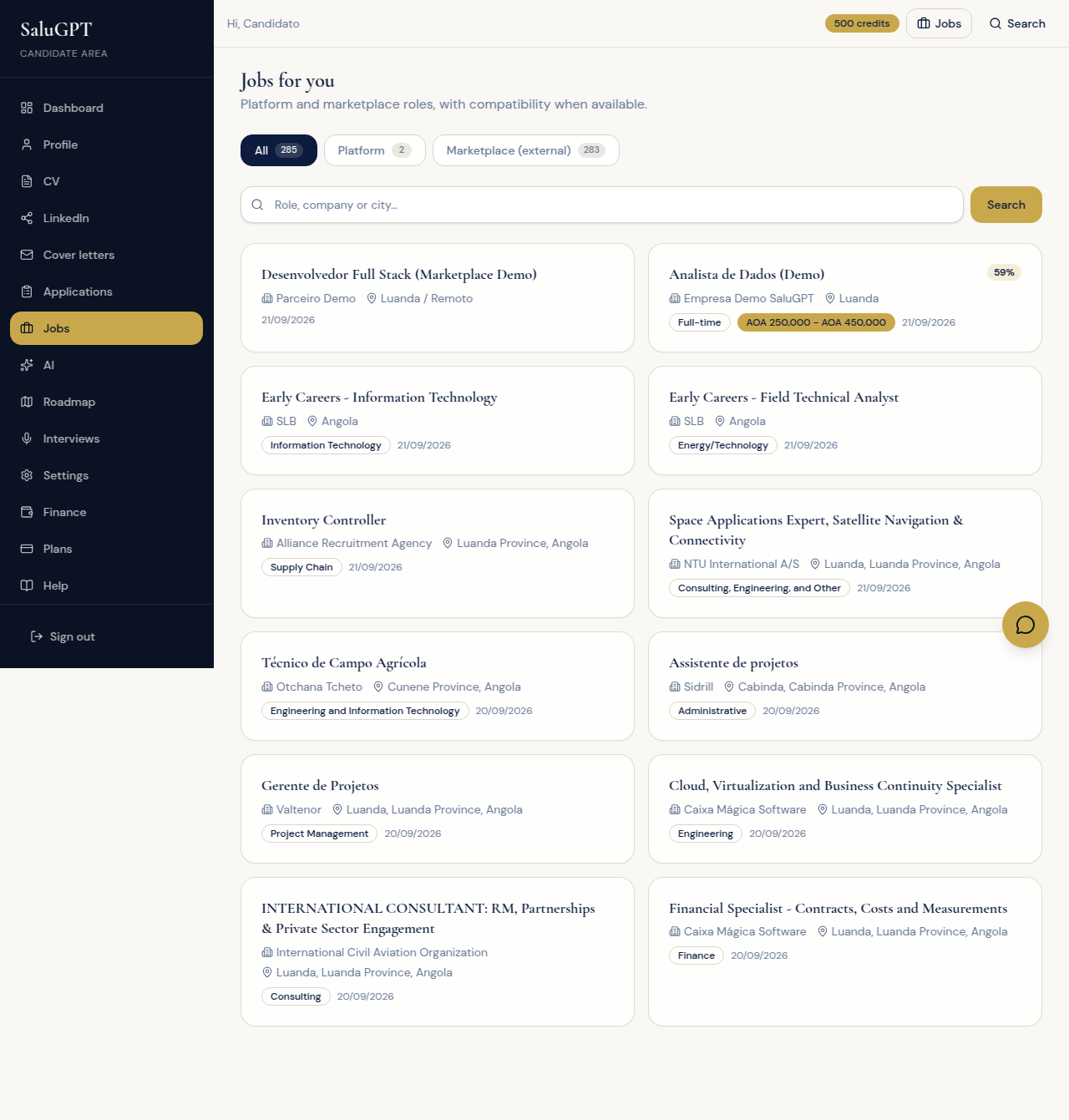
Opportunity list tailored to you (platform and marketplace), with search and shortcuts to detail and apply.
Route: /candidato/vagas
Switch between platform and marketplace, search and open jobs. To apply, use Apply on the detail page (also at /vagas/[id] or /vagas/externas/[id] when signed in).
Assistant
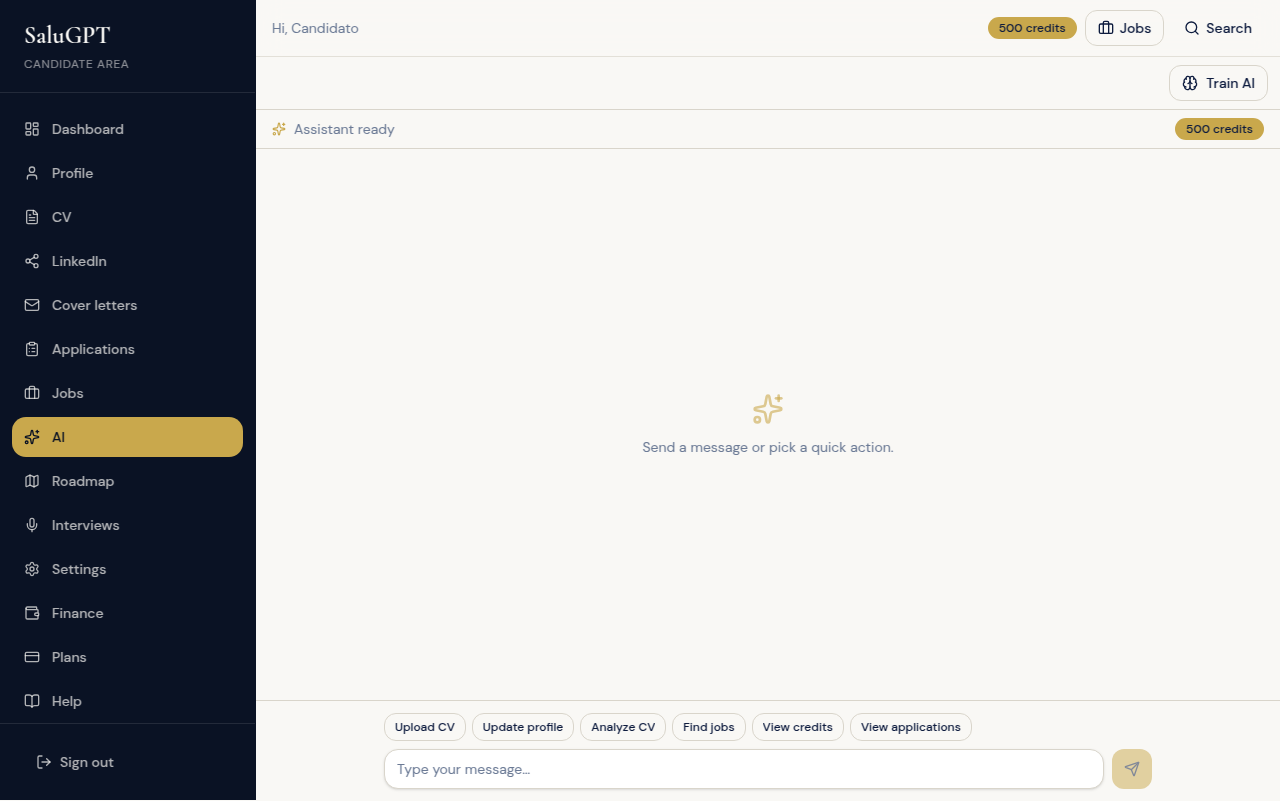
Career AI chat: helps with profile, CV, applications and answers, with shortcuts into your account areas.
Route: /ia
Chat with the assistant and use shortcuts (profile, CV, jobs, applications). To customise behaviour, use Train AI (opens a dialog).
Roadmap
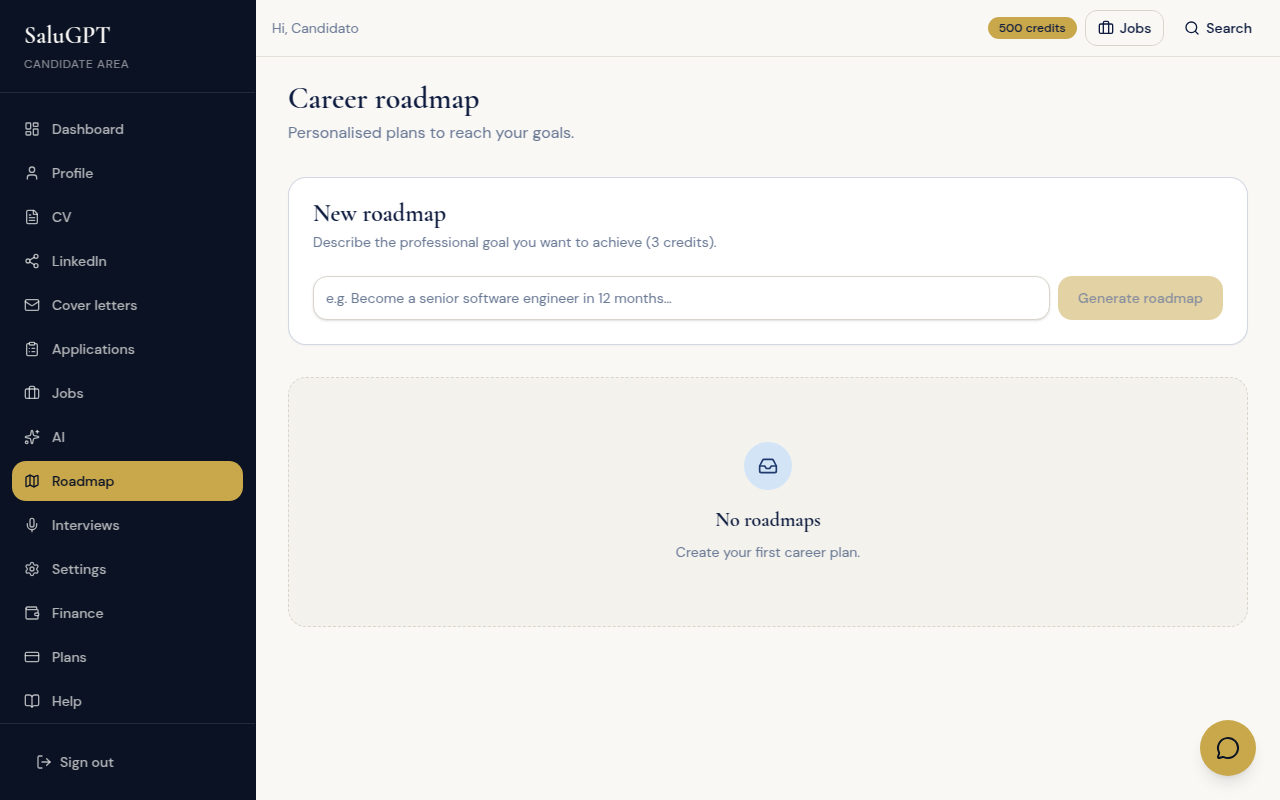
Goal-based career plan: generates stages and tasks (checklist/kanban) so you can track progress.
Route: /candidato/roadmap
Set a goal, generate the roadmap, switch checklist/kanban and mark tasks done.
Interviews (text and video)
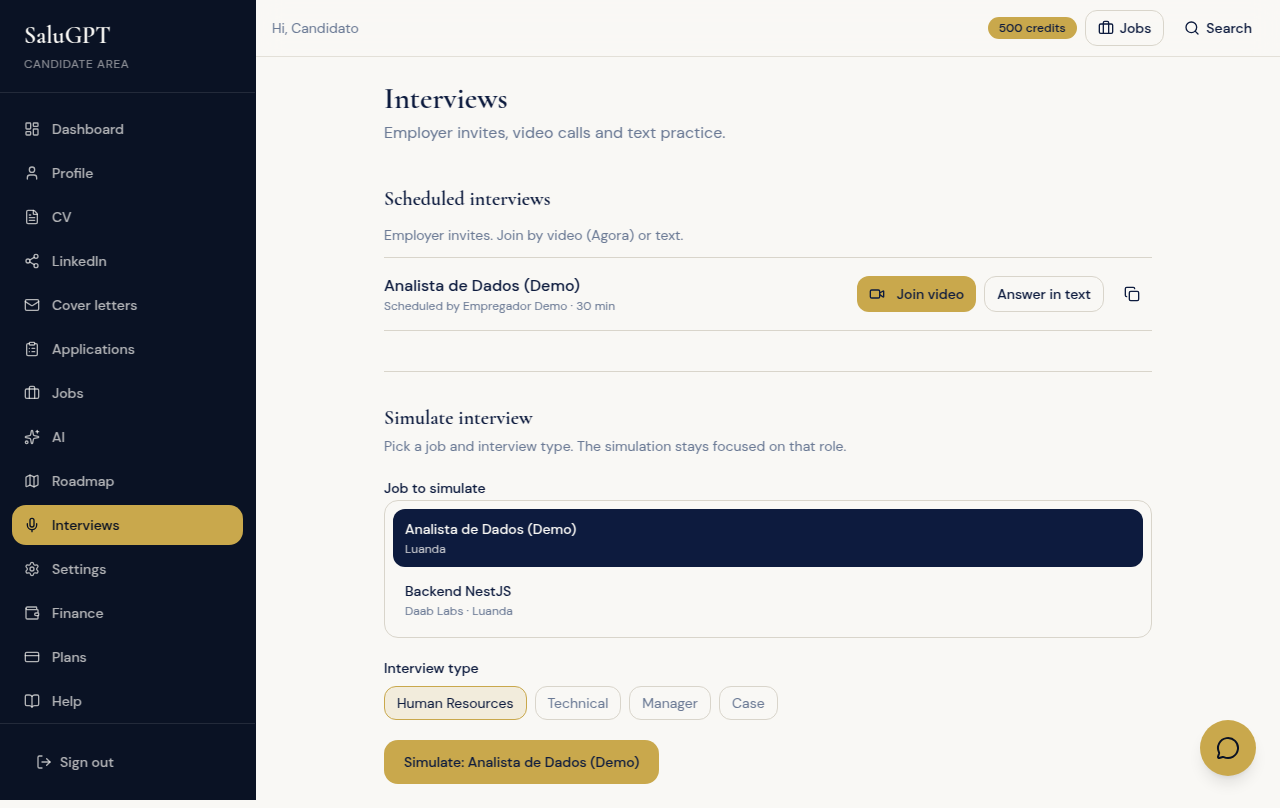
Employer-scheduled interviews plus practice mode (simulation). Includes live video and written answers.
Route: /candidato/entrevistas
- For interviews scheduled by the company: Join video, Reply in text or open the shared link.
- On the video call: microphone/camera, time extension and end the session.
- To practise: pick a type (HR, Technical, Manager, Case) and Start simulation.
Link from email/message: /entrevistas/s/[token] - see Main flows.
Settings and billing
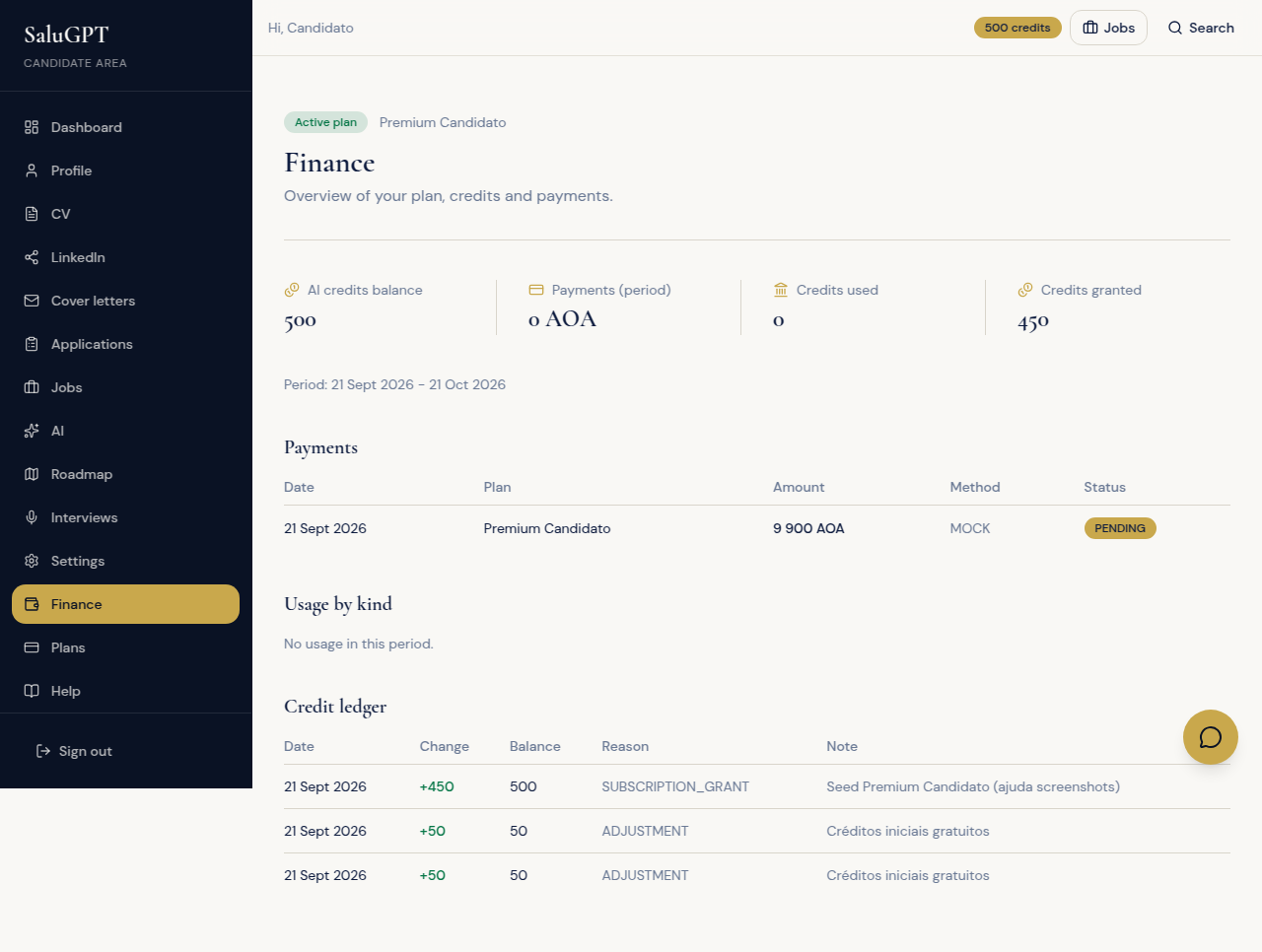
Settings control the assistant tone; Billing shows your plan (e.g. Premium), credits and payment history.
- Settings (
/candidato/definicoes): assistant tone (Fast / Balanced / Precise). - Billing (
/financas): plan (including Premium), credits and payments. Use View plans to upgrade.